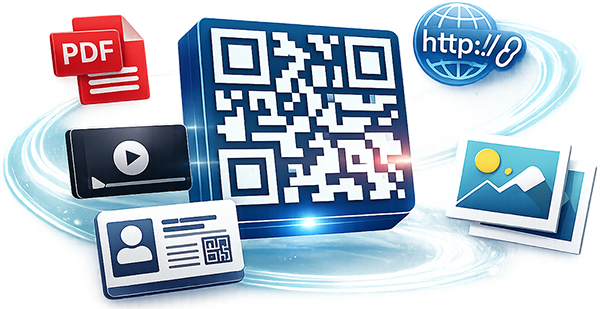
Update destinations anytime, design beautiful codes, and track engagement-all from one privacy-first dashboard.
Start free with up to 5 QR codes.
Update destinations anytime without reprinting. Track every change with full history and rollback.
Cookie-less scan analytics with device type and time-series charts. Export scans to CSV.
Mobile-optimised hosted pages with buttons, opening hours and social links. Choose a template and publish.
Create hundreds of QR codes via CSV and organize them into folders or tagged groups.
Generate print‑ready PDFs with your logo and headline (A4 now, A5 + table‑tent next).
Role-based access (editors, viewers) with organisation and location structure.
Create a static QR code instantly with no account required. It is the fastest way to test your QR content before moving to dynamic campaigns.
Scan any QR below to see how QR Depot can power different user journeys.
Opens a hosted WiFi details page for guests.
Shows a live redirect to account registration.
Shows a live redirect to a business card style destination.
Restaurants, retail, events, property and logistics teams use QR Depot to keep links up to date and measure impact.
/r/AbC123Dynamic codes keep links current while showing you what works.
Menus, Wi‑Fi, and offers with instant updates across tables and signage.
Product pages, promos, and seasonal campaigns without reprinting.
Schedules, maps, and ticket info with real‑time changes.
Listings and virtual tours that update as inventory changes.
Track assets and link to live status or documents.
Role‑based access for creators, editors, and viewers.
A dynamic QR points to a short link you can update at any time. You can change the destination without reprinting the QR.
Go to New QR, choose a destination type, save, then open the Landing Page Builder to add content.
Open the Landing Page Builder and upload files in the relevant section. Save to publish.
Yes. Update the destination in QR Edit or Landing Builder and the printed QR will keep working.
Go to QR Edit → Landing Page Builder, update content, then Save.
Print the main QR. The landing page shows a large Wi‑Fi QR that opens the connect prompt when scanned.
Start free and supercharge your QR codes today! Simply upgrade when you need more capacity.
Create account View pricing